How Big a Screen Should You Get? Start With the Room, Not the Projector

Short answer

For 4K content, a screen diagonal of roughly 0.6 to 0.8 times your seating distance fills the field of view the way a cinema does — around 110 to 145 inches from 12 feet back. Then check the projector can physically make that size from where it can sit: image width equals throw distance divided by throw ratio.

The viewing-angle rule, and why it changed

The old guidance was built around 1080p, where sitting close enough to fill a wide field of view also meant sitting close enough to see the pixel structure. With 4K material that constraint largely disappears, and the recommendations moved outward: the reference cinema geometry is about a 36-degree horizontal viewing angle, and SMPTE's own recommendation for a reference room is closer to 30 degrees.

In practice that works out as a diagonal of roughly 0.6 to 0.8 times the distance from the screen to the main seat. From 10 feet, that is a 90- to 120-inch screen. From 12 feet, 110 to 145 inches. From 15 feet, 140 to 180. Most people who ask whether 120 inches is too big are sitting 11 to 13 feet away, and the answer there is no.
Then check the projector can make that picture

Screen size is not free: a projector has a throw ratio, which is the distance it needs divided by the image width it produces. A 1.5 throw ratio means the lens must sit 1.5 times the image width away from the screen. A 100-inch 16:9 screen is 87 inches wide, so that projector needs about 11 feet of room behind the seats.

Every projector page on this site computes that both ways from the manufacturer's throw ratio, and the calculator on each page will take a room distance and tell you the screen size, or take a screen size and tell you where the projector has to go. A zoom range widens the answer; a fixed lens gives you exactly one distance for a given size.

Seating distanceComfortable 4K diagonalScreen width1.5 throw needs
8 ft70–96 in61–84 in7.6–10.5 ft
10 ft90–120 in78–105 in9.8–13.1 ft
12 ft108–145 in94–126 in11.8–15.8 ft
15 ft135–180 in118–157 in14.7–19.6 ft

Brightness is the hidden size limit

Light spreads over area, so doubling the screen diagonal quarters the brightness per square foot. A projector that looks punchy on a 100-inch screen looks flat on a 150-inch one, and no setting recovers it. The industry's own targets are roughly 16 foot-lamberts for a dark room and considerably more for a room with light in it.

A rough sanity check: a 100-inch 16:9 screen is about 30 square feet, and a 150-inch screen is about 67. If a projector is quoted at 2,000 standardized lumens, that is about 66 lumens per square foot on the smaller screen and 30 on the larger — the difference between a picture that holds up with a lamp on and one that needs full darkness. The brightness figure only means anything if it is measured to ISO 21118 or ANSI, which is a separate problem.

The ceiling, the heads, and the other constraints people forget

The bottom of the screen wants to be roughly at seated eye level or a little above it — usually 24 to 36 inches off the floor. A 150-inch 16:9 screen is 74 inches tall, so its top edge lands over eight feet up, which an eight-foot ceiling cannot do. Measure the wall before choosing the diagonal.

And check the sight lines. A projector mounted on the ceiling throws over people's heads; one on a shelf behind the sofa throws through them. If the only place the projector can go is a coffee table, a short-throw or ultra-short-throw model is not a luxury, it is the requirement.

Projectors this comes up with

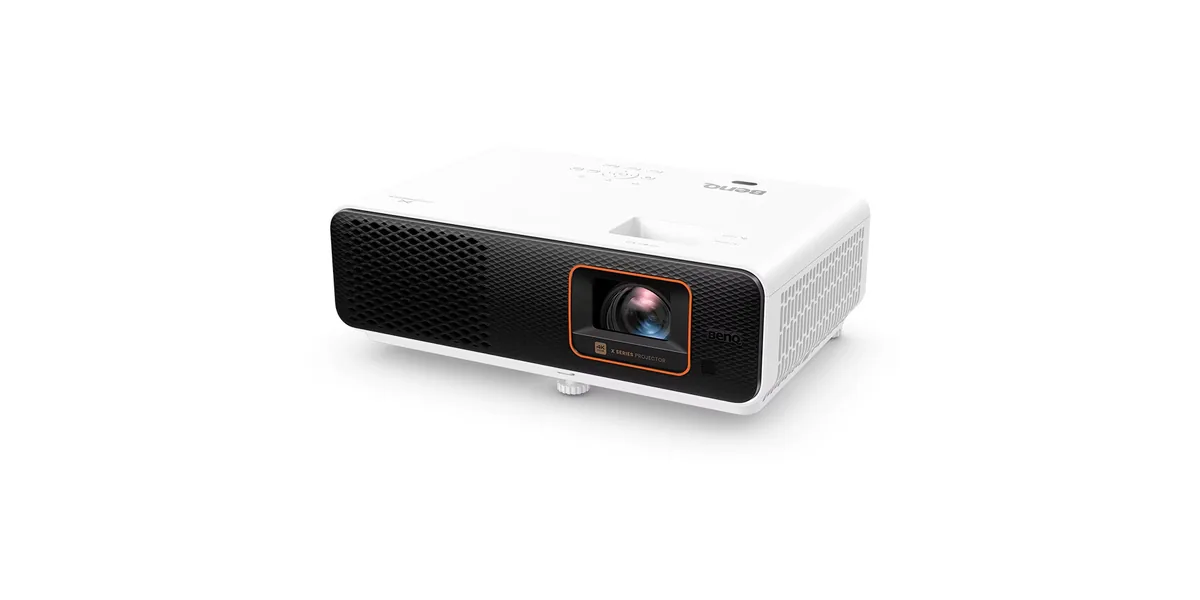
BenQ X500i projector
BenQ~$1,999

BenQ X500i

Gaming · DLP · 4K pixel-shift

Brightness
2,200lumensANSI
Screen at 10 ft
166–200 in
  • 2,200 ANSI lumens
  • 0.69 short throw
  • 4.2 ms at 240 Hz

Best for: A small room where the projector has to sit close to the screen

Related

  • Do You Need a Projector Screen, or Will a Wall Do?

    A flat, smooth, matte white wall works, and in a dark room the difference between it and a mid-priced white screen is small. A screen earns its money in two situations: when the room has light you cannot control, and when the wall is textured, off-white, or not flat.

  • Where the Projector Has to Go: Throw Distance, Lens Shift and Keystone

    Work out the throw distance first: image width equals distance divided by throw ratio. Then check the projector can be off the screen's centre line by however much your room forces, using optical lens shift. Digital keystone can also do it, and it costs you resolution every time.

  • How to read a projector spec sheet

    Every specification explained, with the real numbers from the catalog.