The DLP Rainbow Effect: What Causes It and Who Sees It

Short answer

It is caused by single-chip DLP projectors showing colours in sequence rather than at once. A minority of people perceive the sequence as coloured flashes, usually on bright objects against dark backgrounds or when the eye moves quickly. 3LCD, LCoS, D-ILA and SXRD projectors cannot produce it at all.

Why a single chip has to do it this way

A single-chip DLP projector has one array of micromirrors and one light path. To make a colour image it shows the red component, then the green, then the blue, in rapid sequence, filtered either by a spinning colour wheel in front of a lamp or laser-phosphor source, or by strobing separate coloured LEDs or lasers. Your visual system is supposed to integrate the sequence into one colour image, and usually it does.

Three-chip designs do not have the problem because they do not have the sequence. A 3LCD projector splits white light into red, green and blue paths, modulates each with its own panel, and recombines them — all three colours are on screen simultaneously. The same is true of the three-panel LCoS designs JVC and Sony use. No sequence, no artifact.

Who sees it, and when

Sensitivity varies between people and is not something you can train away. Estimates of the affected proportion vary, but every account agrees it is a minority and that within that minority the range runs from 'noticeable once and then forgotten' to 'unwatchable'. It is not correlated with visual acuity or with being fussy about picture quality.

It shows up most on high-contrast content: white credits on black, a streetlight in a night scene, a bright reflection. It is worse when your eye moves across the image rather than tracking one object, and worse in a dark room where the contrast between the bright object and its surroundings is highest.

What reduces it

Speed. A faster colour wheel, or a faster LED or laser strobe rate, shortens each colour's dwell time and narrows the separation. Cheaper projectors historically used slower wheels with fewer segments; current designs run faster ones, and the LED and RGB-laser DLP models in this catalog switch far faster than any mechanical wheel can spin. That is a real improvement, and it does not eliminate the mechanism.

Higher frame rates help for the same reason, which is why the question of whether a 120 Hz signal reduces rainbows comes up so often. More refreshes per second means more, shorter colour sub-frames, so the artifact is less likely to be perceived — but a viewer who is strongly sensitive will still catch it. It is a reduction, not a fix.

How to find out before you spend the money

Watch a single-chip DLP projector, in a dark room, on content with bright objects against black, for at least twenty minutes, and move your eyes around the image deliberately. A demo room at a dealer, a friend's projector, or a returnable purchase all work. Twenty minutes of a bright daytime scene proves nothing.

If you turn out to be sensitive, the fix is a technology change, not a model change: this catalog's 3LCD, D-ILA and SXRD projectors are immune by construction. If you are not sensitive, single-chip DLP gets you the sharpest pixel structure and the lowest input lag in the category, and none of this matters to you at all.
Projectors this comes up with

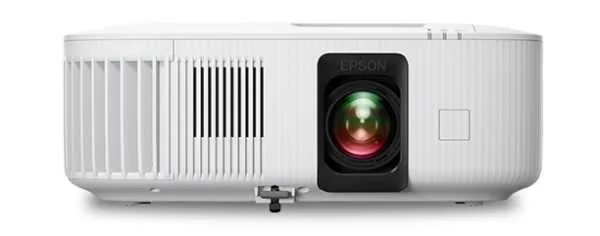
Epson Home Cinema 2350 projector
Epson~$1,399

Epson Home Cinema 2350

Home theater · 3LCD · 1080p

Brightness
2,800lumensISO 21118
Screen at 10 ft
63–103 in
  • 2,800 ISO lumens
  • 1080p, no pixel shift
  • Streaming built in

Best for: A bright living room where a shelf at the back of the room is the only place a projector can go

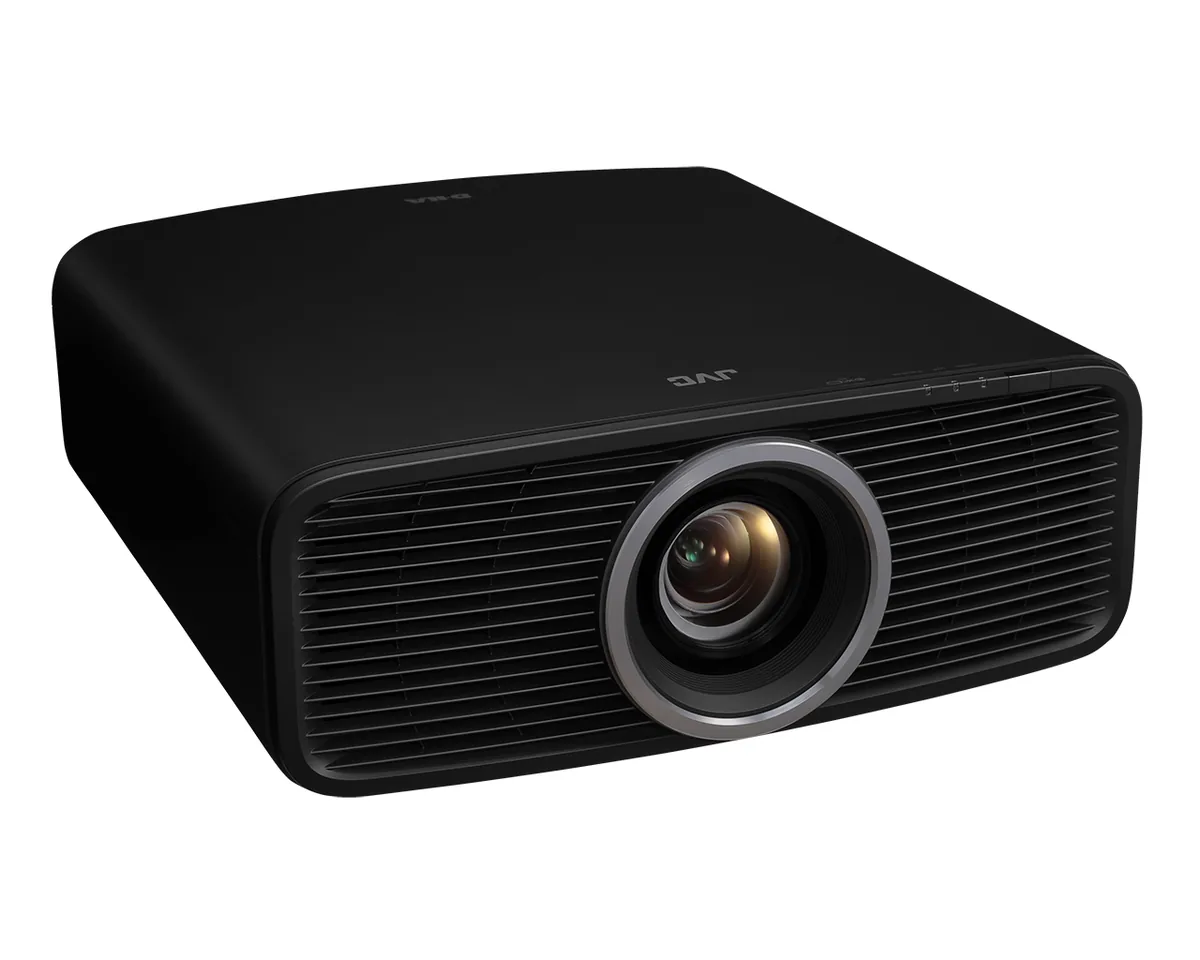
JVC DLA-NZ500 projector
JVC~$5,999

JVC DLA-NZ500

Home theater · D-ILA · Native 4K

Brightness
2,000lumensANSI
Screen at 10 ft
68–109 in
  • 2,000 ANSI lumens
  • Native 4K D-ILA
  • 40,000:1 native contrast

Best for: A light-controlled theater where black level decides the picture

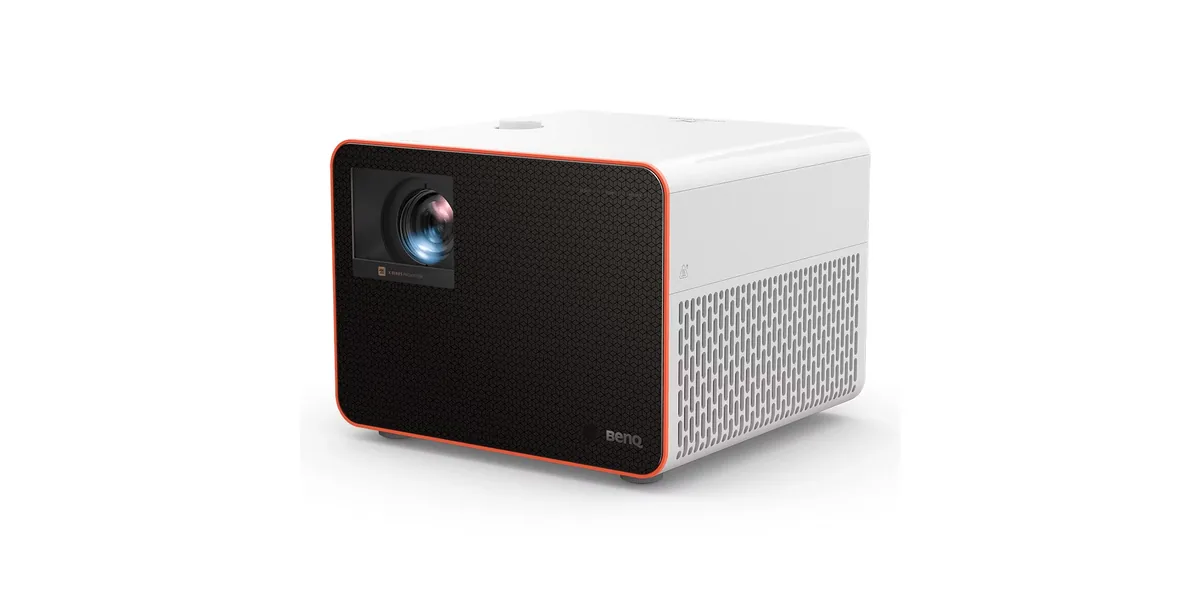
BenQ X3100i projector
BenQ~$2,799

BenQ X3100i

Gaming · DLP · 4K pixel-shift

Brightness
3,300lumensANSI
Screen at 10 ft
92–120 in
  • 3,300 ANSI lumens
  • 4.2 ms at 1080p/240
  • 20,000-hour LED

Best for: A console gaming room that also has to work as a movie room

Related

  • Is 4K Actually Noticeable on a Projector?

    Yes, on a screen over about 100 inches and from a normal seating distance — but it is the third most visible upgrade, behind contrast and brightness. A pixel-shift 4K projector with good contrast beats a native 4K projector with bad contrast every time.

  • Where the Projector Has to Go: Throw Distance, Lens Shift and Keystone

    Work out the throw distance first: image width equals distance divided by throw ratio. Then check the projector can be off the screen's centre line by however much your room forces, using optical lens shift. Digital keystone can also do it, and it costs you resolution every time.

  • How to read a projector spec sheet

    Every specification explained, with the real numbers from the catalog.