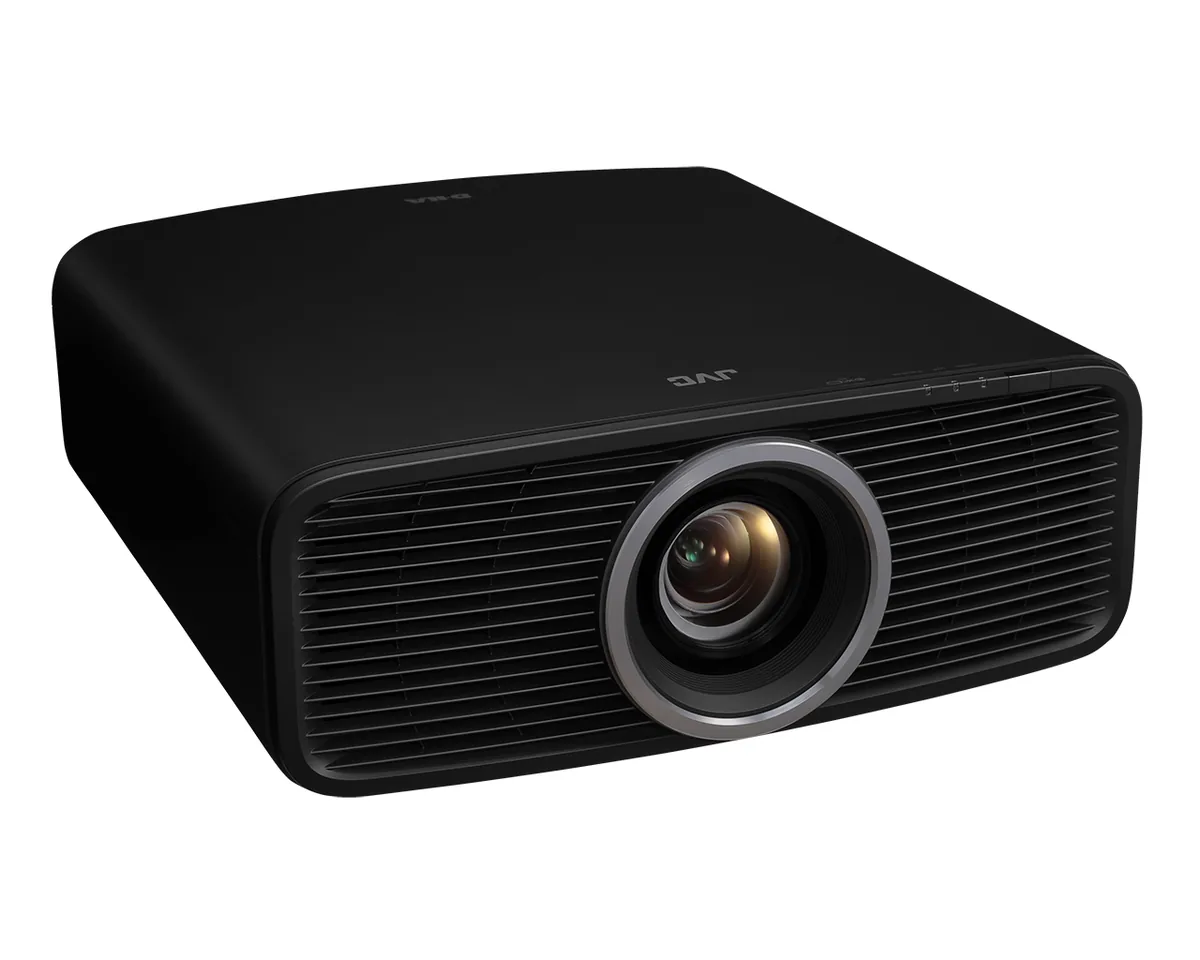
JVC~$5,999
JVC DLA-NZ500
Home theater · D-ILA · Native 4K
- Brightness
- 2,000lumensANSI
- Screen at 10 ft
- 68–109 in
- 2,000 ANSI lumens
- Native 4K D-ILA
- 40,000:1 native contrast
Best for: A light-controlled theater where black level decides the picture
Short answer
Yes, on a screen over about 100 inches and from a normal seating distance — but it is the third most visible upgrade, behind contrast and brightness. A pixel-shift 4K projector with good contrast beats a native 4K projector with bad contrast every time.
Pixel visibility depends on the angle a pixel subtends at your eye, which depends on screen size and seating distance together. A 120-inch 1080p image seen from 12 feet puts each pixel at roughly the limit of what a person with 20/20 vision resolves; move closer or go bigger and the pixel grid becomes visible as a faint screen-door texture. That is the range where 4K earns its keep.
It is also where pixel shifting does most of its work. Shifting a 1080p device four times per frame does not produce four distinct pixels of real information, but it does fill the gaps between pixels, which removes the screen-door effect entirely. Several reviewers have noted that the visible improvement from pixel shifting is as much about the absence of grid structure as about detail.
Sit a room full of people in front of two projectors and the thing they notice first is contrast: how dark the dark parts of the image are, and whether a night scene looks like a night or like a grey rectangle. Native contrast figures in this catalog span from 400:1 to 100,000:1, a range of more than two hundred times, and nothing else on a spec sheet varies by that much.
Brightness comes second, because a picture that is too dim for the screen size looks flat regardless of its other qualities. Resolution is third. Colour gamut is fourth and matters mostly on HDR material. If a budget forces a choice, that is the order to spend in — which is why a well-sorted pixel-shift 4K projector at $2,000 will usually please more than a native 4K projector at the same price would, if such a thing existed.
The projectors in this catalog with genuinely 4K imaging devices are JVC's D-ILA and Sony's SXRD models, and what separates them from pixel-shift rivals is not mainly the pixel count. It is that the same LCoS panel technology also produces the highest native contrast in the category — the D-ILA models publish on-off figures an order of magnitude beyond what single-chip DLP measures.
So the honest way to describe the native-4K tier is that it is the high-contrast tier, and the resolution comes along with it. If you are choosing between a native 4K projector and a pixel-shift one, look at the native contrast figures first; that is the difference you will see from the sofa.
Much of what people watch is not 4K. Broadcast television, most streaming at standard subscription tiers, and everything on physical media older than a decade is 1080p or less, upscaled by the projector or the streamer. A good projector's upscaling matters more, day to day, than its native pixel count — which is why the picture-processing silicon in the Sony and JVC models is a selling point in its own right.
Where 4K content genuinely shows up is 4K Blu-ray, the top streaming tiers, and modern consoles. If the sources are mostly there, resolution is worth paying for. If the household mostly watches 1080p streams, put the money into contrast and brightness and let the projector upscale.
Home theater · D-ILA · Native 4K
Best for: A light-controlled theater where black level decides the picture
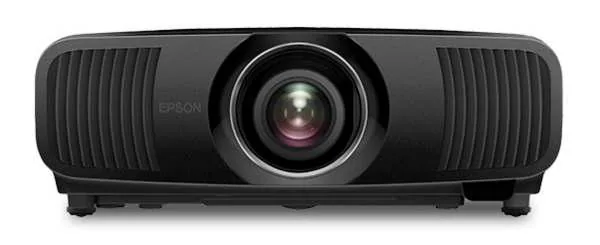
Home theater · 3LCD · 4K pixel-shift
Best for: A dedicated theater that is also a console gaming room
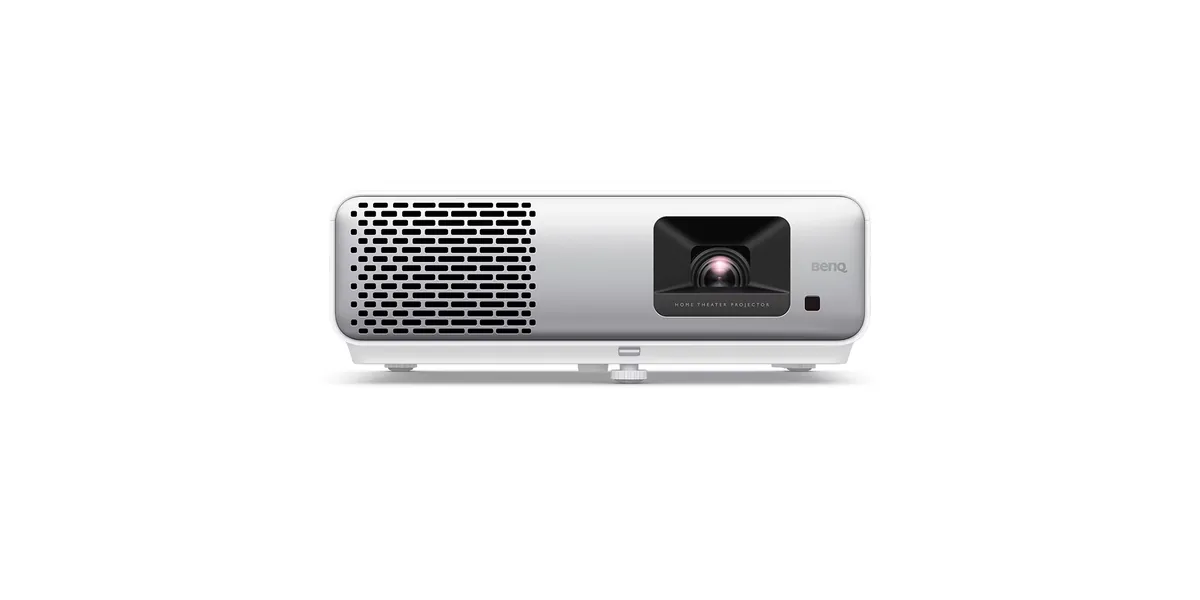
Home theater · DLP · 1080p
Best for: A movie-first 1080p setup that should never need a lamp
Look for the words ISO 21118 or ANSI next to the lumen figure. Without one of them the number is the maker's own measurement and cannot be compared to anything. And '4K supported' means it accepts a 4K signal, not that it displays one — a projector that displays 4K says so in its native resolution line.
For 4K content, a screen diagonal of roughly 0.6 to 0.8 times your seating distance fills the field of view the way a cinema does — around 110 to 145 inches from 12 feet back. Then check the projector can physically make that size from where it can sit: image width equals throw distance divided by throw ratio.
Every specification explained, with the real numbers from the catalog.